MCUXpresso Terminal
MCUXpresso Terminal is designed to enable command-line interaction with imported repositories. Unlike a plain terminal, it automatically activates the MCUXpresso Python virtual environment, giving you direct access to the installed tools (Python, west, pip and other repository-specific packages) without any manual setup.
Like any other terminal, it can be opened by navigating to Terminal -> New Terminal and selecting it from the menu.
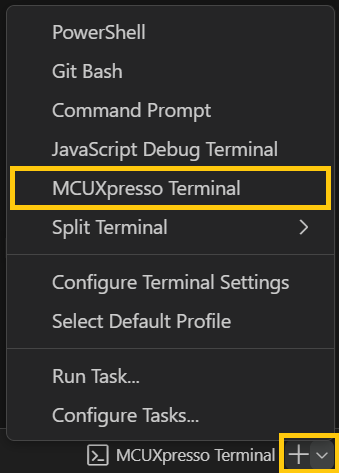
Upon opening, the terminal will prompt you to choose a repository type.
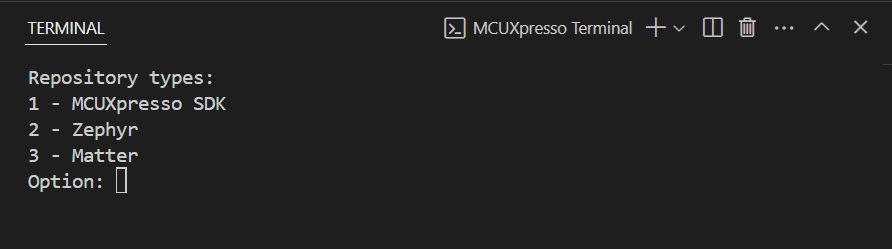
Based on your selection, if there are any imported repositories of that type, the terminal will display a list and ask you to choose one.

Once a repository is selected, the terminal will activate the Python virtual environment (unless disabled in the settings) and set the current working directory to the root of the chosen repository. By default, the virtual environment is launched automatically; this behavior can be turned off in the extension settings if a plain terminal is preferred.