
Run a TrustZone example application#
To download and run the application, perform all steps as described in Section 3.3, “Run an example application”. These steps are common for single core, and TrustZone applications, ensuring evkmimxrt685_hello_world_s is selected for debugging.
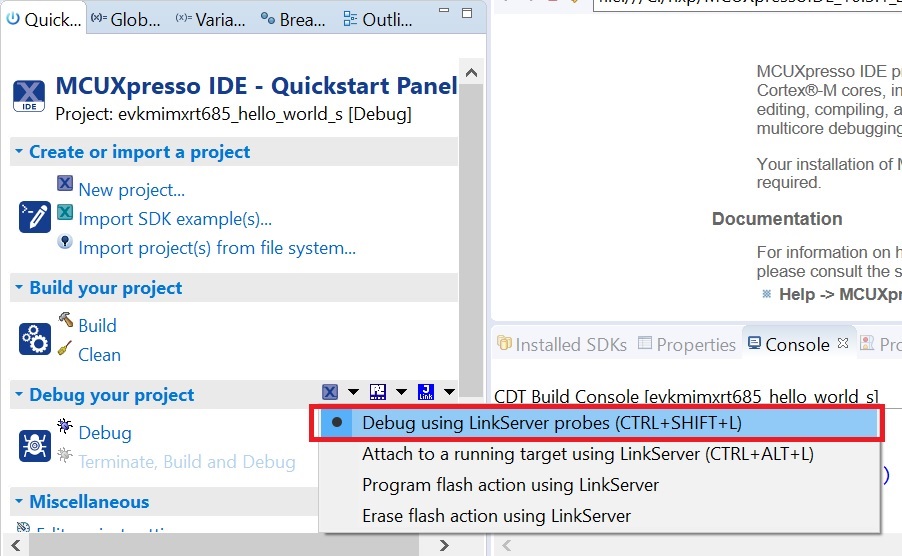
In the Quickstart Panel, click Debug evkmimxrt685__hello_world_s [Debug] to launch the second debug session.
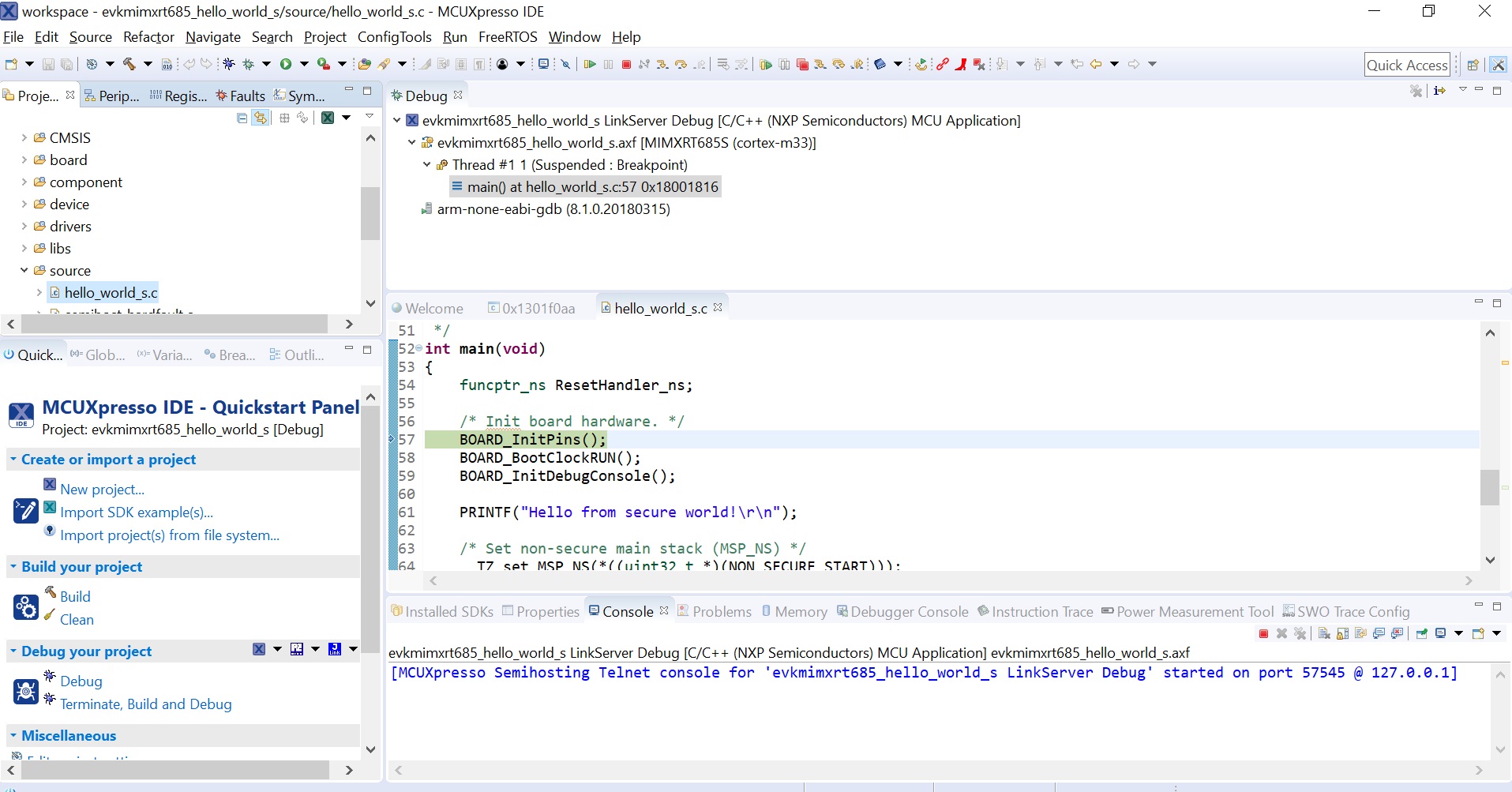
Now, the TrustZone sesions should be opened. Click Resume. The hello_world TrustZone application then starts running, and the secure application starts the non-secure application during runtime.
