
Run an example application#
The default MDK project settings assumes CMSIS-DAP debug interface is used. If you are using a CMSIS-DAP debugging interface, perform the following steps:
Connect the development platform to your PC via USB cable.
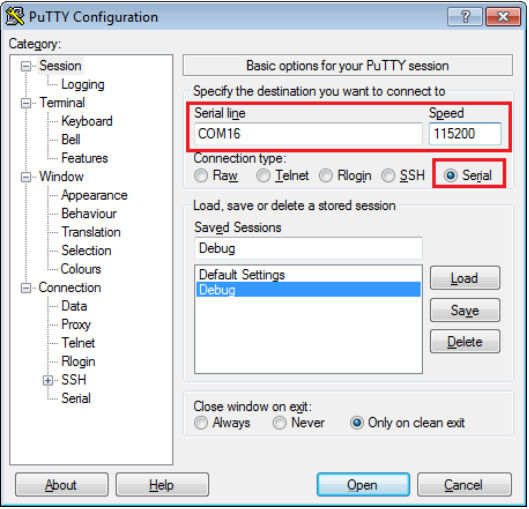
Open the terminal application on the PC, such as PuTTY or TeraTerm, and connect to the debug serial port number. To determine the COM port number, see How to determine COM port. Configure the terminal with these settings:
115200 or 9600 baud rate, depending on your board (reference
BOARD_DEBUG_UART_BAUDRATEvariable in the board.hfile)No parity
8 data bits
1 stop bit
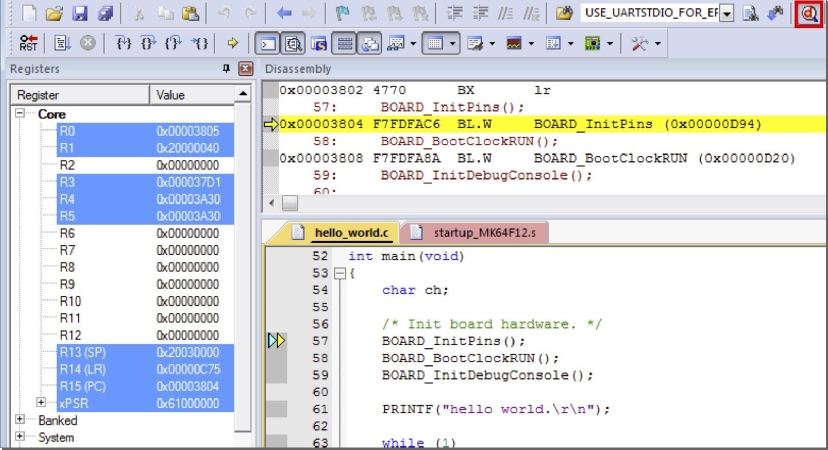
To debug the application, click the Start/Stop Debug Session button or Ctrl + F5, highlighted in Figure 2.
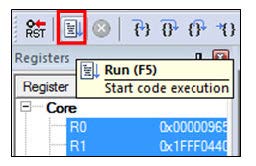
Run the code by clicking Run to start the application, as shown in Figure 3.
The
hello_worldapplication is now running and a banner is displayed on the terminal, as shown in Figure 4. If this is not true, check your terminal settings and connections.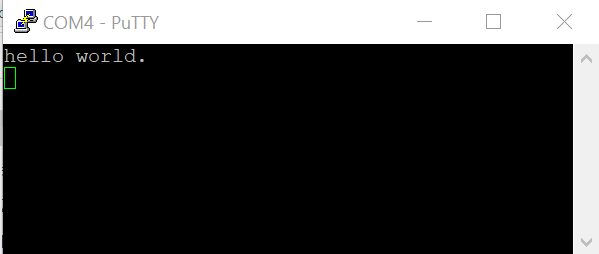
Parent topic:Run a demo using Keil MDK/μVision